A channel identity
all your own.
Carry your logo, fonts, colors and sponsors across your graphics and maps with one custom branding package.
FOR THE PEOPLE WHO BRING THE WEATHER
Create a weather stream people want to watch. Broadcast-quality graphics, live maps, and your own branded look. All in one powerful Windows studio.
Built for Windows • Powered by NWS & NOAA data
FORECASTCANVAS CUSTOMERS
Meet the weather companies already creating with ForecastCanvas.


FOR INDEPENDENT WEATHER STREAMERS & CREATORS
Build weather coverage people recognize. Bring your forecast, maps and branding together for live streams, recorded updates, and the social posts that keep your audience connected.
Carry your logo, fonts, colors and sponsors across your graphics and maps with one custom branding package.
Start with NWS and NOAA data. Adjust the forecast, edit on the slide, and check everything before it airs.
Build your show, export social graphics, or create vertical video with your camera and slides.
THE PROOF IS ON SCREEN
Your colors. Your fonts. Your identity on every frame. Explore real channel looks created in ForecastCanvas Studio.
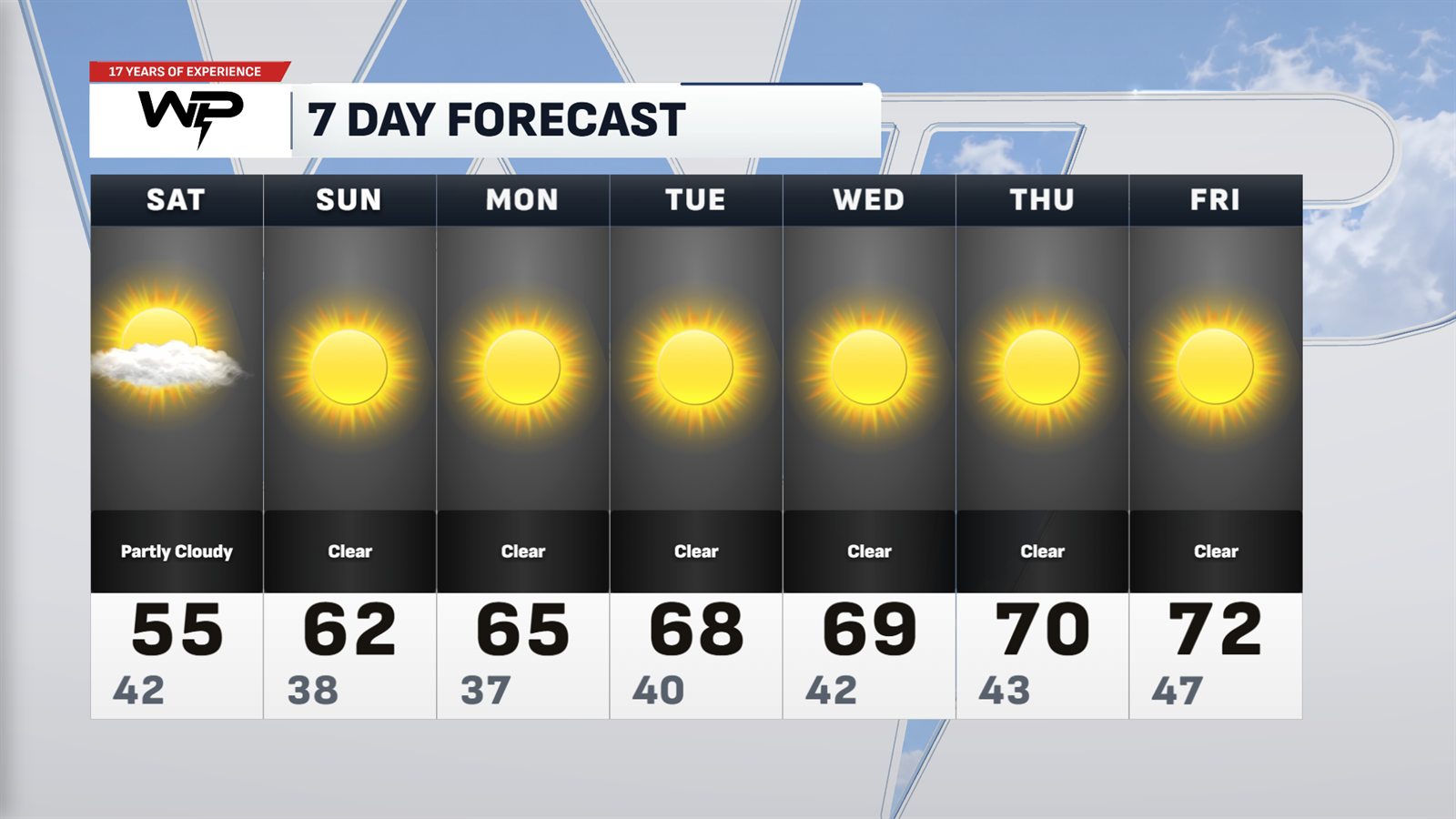
Cincinnati Tri-State. Light glass boards over seasonal photos, with the WP banner on every slide.
RundownWeatherPulse
Want your brand's look? A custom custom branding package brings your graphics, maps, fonts and banners together. Open it, and your look is ready to go. Let’s build your look
A whole weather story.
Ready to tell your way.
MEET YOUR CONTROL ROOM
Build the rundown. Make your edits. Check Preview. Then press Take. A complete weather production workflow, with you in control of what goes on air.
Choose graphics, arrange your rundown, and make the forecast your own.
Fine-tune text, numbers and layouts. Your changes stay in Preview.
Send the next graphic to Program when you're ready. You're calling the show.
MORE THAN THE SEVEN DAY
From a quiet weekend to a changing storm threat, build the graphics your audience needs to see.
SPC outlooks, county maps, alerts and severe weather boards.
School days, weekend plans, game days and everything in between.
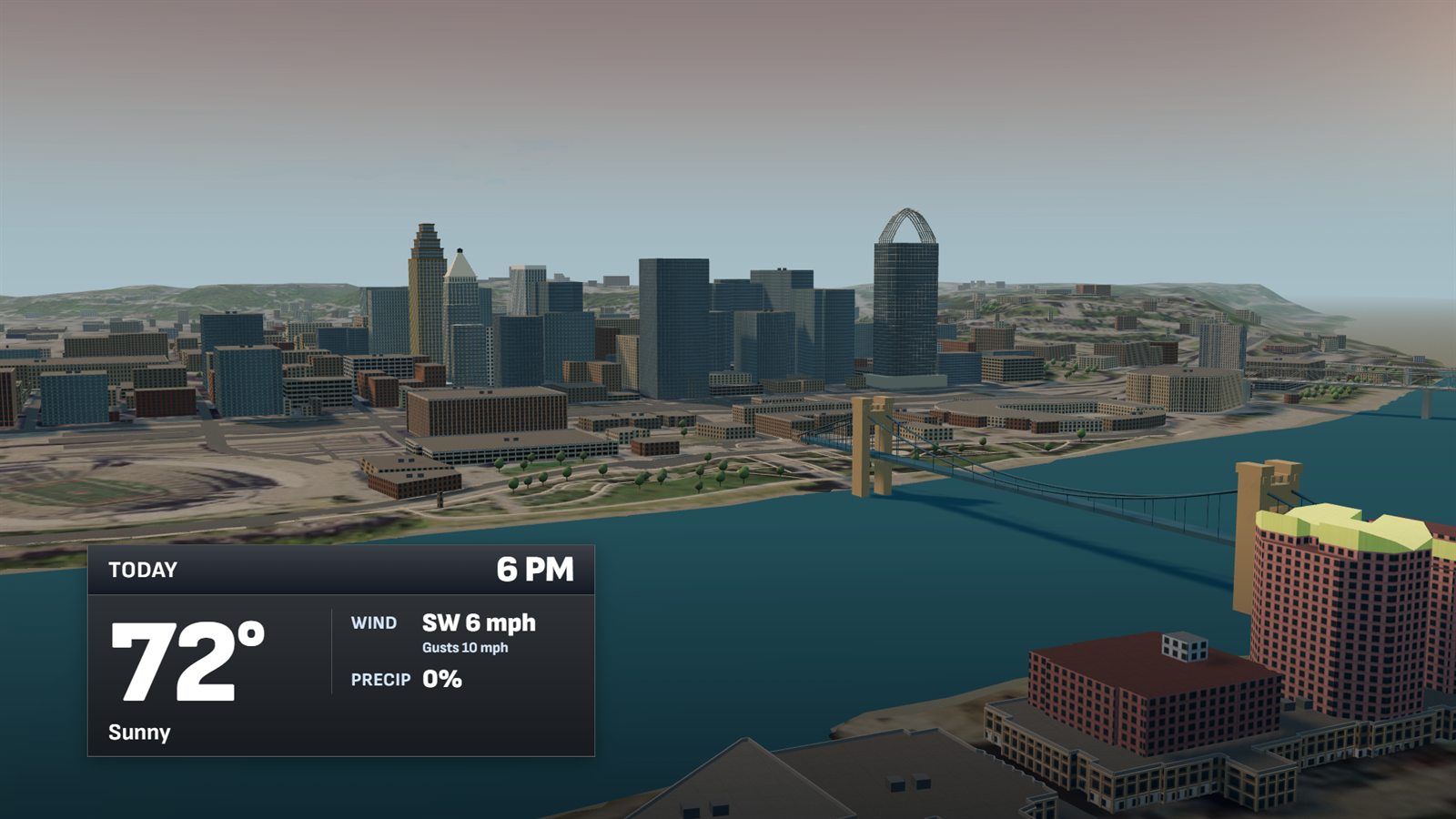
SkyCast 3D views and maps styled for your channel.
EXPLORE WHAT YOU CAN CREATE
Explore the tools for your forecast, your live show, and the places your audience watches.
01 / FORECAST GRAPHICS
Build a complete weather story with everyday forecasts, local planners, and graphics for the moments your audience cares about.
02 / MAPS & STORMS
Help your viewers see where the weather is happening and what it means for their community.
03 / LIVE SHOWS
Prepare the story, check what comes next, and put the right graphic on screen when you are ready.
04 / SOCIAL & VIDEO
Turn your forecast into posts and videos that carry your brand identity wherever your audience watches.
05 / CHANNEL BRANDING
Give your weather coverage a consistent channel look, from the first forecast board to the last map.
A Windows PC and an internet connection for live data. A second screen is the easiest way to keep your Program output separate while running your live stream.
Yes. Your custom branding package brings together your graphics, layouts, logo, fonts and media. Ask Chris about designing a custom channel look for your brand.
No weather subscription is required for the NWS and NOAA data described here. Optional extras include a Tempest channel, your own Mapbox styles, and a data key for premium radar and model products.
Yes. Edit values, text and layouts, or use the Forecast Sheet to carry daily forecast changes across your graphics. Values are marked Live or Manual so you can return to the live forecast.
Email Chris at chris@wxpulse.com. Share your channel name, how you plan to use ForecastCanvas, and whether you want a custom look.
YOUR NEXT CHAPTER STARTS HERE
Let's talk about your channel, your look, and the weather coverage you want to create.